
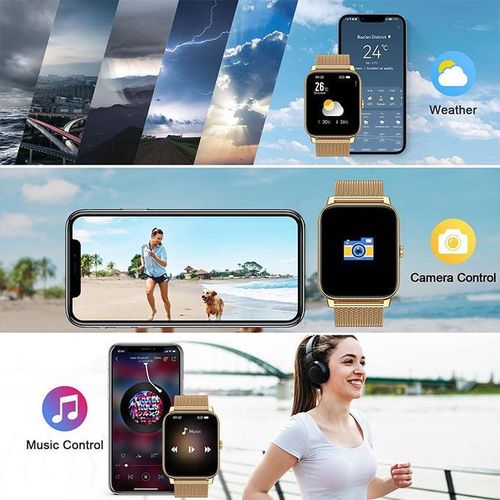
2.2-inch HD Oraimo Smartwatch
Brand: Oraimo
2.2-inch HD waterproof scratch-resistant smartwatch (all phones compatible)
| Weight(kg) | 0.4 |
| Main Material | Metal |
| Warranty Address | N/A |
| Production Country | China |
| From the Manufacturer | N/A |
Welcome to our store!
Thank you for visiting our store. We hope to provide you with a pleasant shopping experience.
To learn more about our products, please click on "Seller Information" and then proceed to shop in our store.
You can always keep an eye on our store. Our products are constantly being updated, and there are more beautiful items waiting for you.
- We will inspect the quality of the products before shipment to ensure that they are delivered to you in the best possible condition.
- If you encounter any issues while shopping, don't worry – you can first check the user manual, or contact Ju mia customer service directly.
- If you have any feedback about our product, you are welcome to leave your valuable comments.
We will carefully review every message and use it to improve our products – all to give you a more pleasant shopping experience.
Smartwatch APP Connection Guide
Preparation Before You Start
1. Upon receiving the product, please charge it for 2–3 hours to activate the battery, then press and hold the side knob to power it on.
2. Turn on Bluetooth and location (G PS) on your phone – location must be enabled, otherwise the device won't be found.
3. Download the corresponding APP for Android/iOS: the QR code is in the user manual – you can also scan it with your watch.
4. Select your language and register an account (using your phone number or email).
5. When permission pop‑ups appear, tap "Allow" for all – notifications, Bluetooth, location,
and background running – otherwise message alerts and men strual cycle tracking won't sync properly.
Watch + Phone Pairing (Two Methods)
Method 1: Scan to Bind (Recommended – highest success rate)
Swipe down on the watch screen to open the control centre, and find [Download / QR Code] – the screen will show the APP download + binding QR code.